Before Approving Your Website: What Every Business Owner Should Review
Your website is more than a digital business card; it’s your 24/7 storefront, sales team, and brand ambassador. Often, it’s the very first impression a potential customer has of your company.
When you invest in a professional website, you trust an agency or freelancer to build an asset that truly reflects your brand and drives growth. However, the reality is that not all developers prioritize the same things. Some may focus on simply “checking the box” rather than delivering a high-quality, high-converting tool.
That’s why the final approval is a critical moment. You don’t need to be a tech expert, but you do need a keen eye for detail.
This checklist will guide you through a thorough review, ensuring your new website is professional, trustworthy, and ready to perform.
Foundation & Completeness
The Check: Verify that all pages outlined in the proposal or sitemap have been created.
Why It Matters: Missing pages break the user journey and can make your business look unprofessional or incomplete. Did they forget the “Contact Us” page, a crucial blog section, or that dedicated service page you paid for?
Visual Consistency & Branding
Typography: Are font styles, sizes, and weights consistent across all pages (headings, body text, buttons)? Inconsistency looks messy and unprofessional.
Color Scheme: Do all colors align with your official brand guidelines? Check that primary and secondary colors are used correctly, especially on interactive elements like buttons and links.
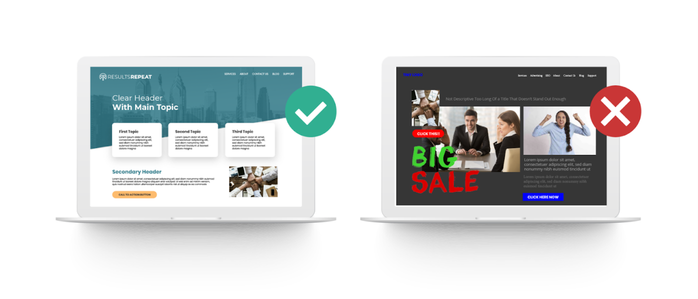
Alignment & Spacing: Is everything neatly aligned? Look for uneven margins, misaligned text blocks, or images that seem randomly placed. Good design feels intentional.
Content & Readability
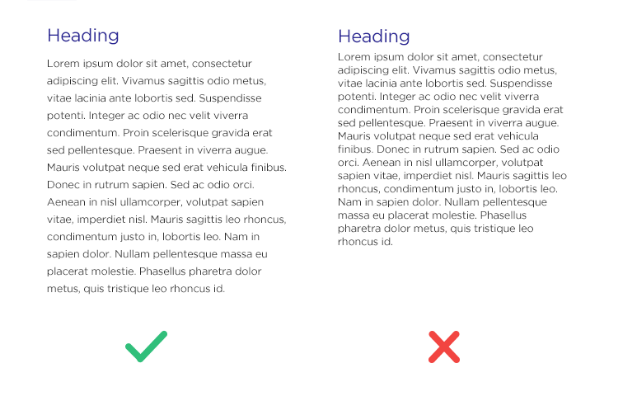
Clarity: Is the content easy to read and understand? Avoid walls of text. It should be scannable, with clear headlines, short paragraphs, and bullet points.
Images & Media: Are all images high-resolution and not pixelated or blurry? Do they load properly? Ensure they are relevant, professional, and enhance your message.
Functionality & User Experience (UX)
All Links & Buttons: Click on every single link and call-to-action (CTA) button. Do they go to the correct page? Is your contact form submitting properly? Broken functionality is the fastest way to lose a customer.
Clear Calls-to-Action (CTAs): Is it obvious what you want the visitor to do on each page (“Buy Now,” “Schedule a Consult,” “Download the Guide”)? CTAs should be visually distinct and use action-oriented language.
Technical Performance & Security
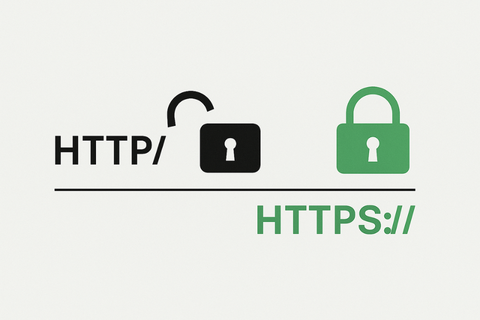
SSL Certificate & Security: Does your website have an SSL certificate installed? Check that the URL begins with https:// (not http://) and that you see a padlock icon 🔒 in the browser’s address bar. This encrypts data and is critical for Google rankings and customer trust.
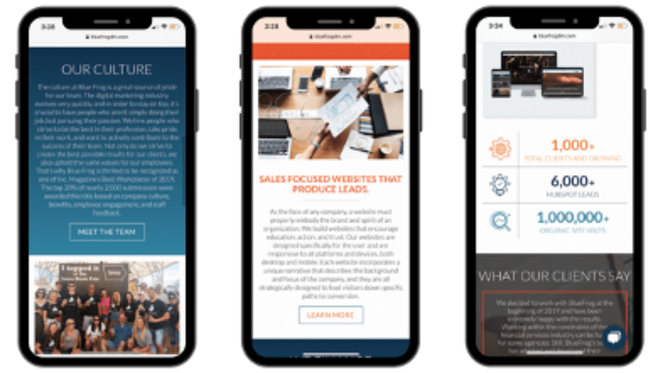
Mobile & Device Optimization: This is non-negotiable. View the site on your phone, tablet, and different desktop browsers. Does it look good and work perfectly on all of them? Elements should resize and reorganize smoothly (this is called responsive design).
Loading Speed: Does the site load quickly? Use free tools like Google PageSpeed Insights or GTmetrix for a performance report. A slow site hurts user experience and search engine rankings.
Taking the time for this detailed review protects your investment. It ensures you launch a website that not only looks great but also builds trust, provides a seamless experience, and effectively converts visitors into customers. Don’t approve until you can confidently check every box.